Mock EHR UI
A mock EHR environment purpose-built for integration workflow scoping, testing, and demos.
Launch Mock UIOverview
The Farseen Advisors Mock UI is a mock EHR intended to facilitate your integration workflow scoping and demo processes. The Mock UI is provided to clients of Farseen Advisors as part of our standard contract structure.
Realistic EHR Screens
Navigate through screens that mirror typical EHR views — from admission to clinical workflows — giving your team and your clients a familiar frame of reference during scoping and demo sessions.
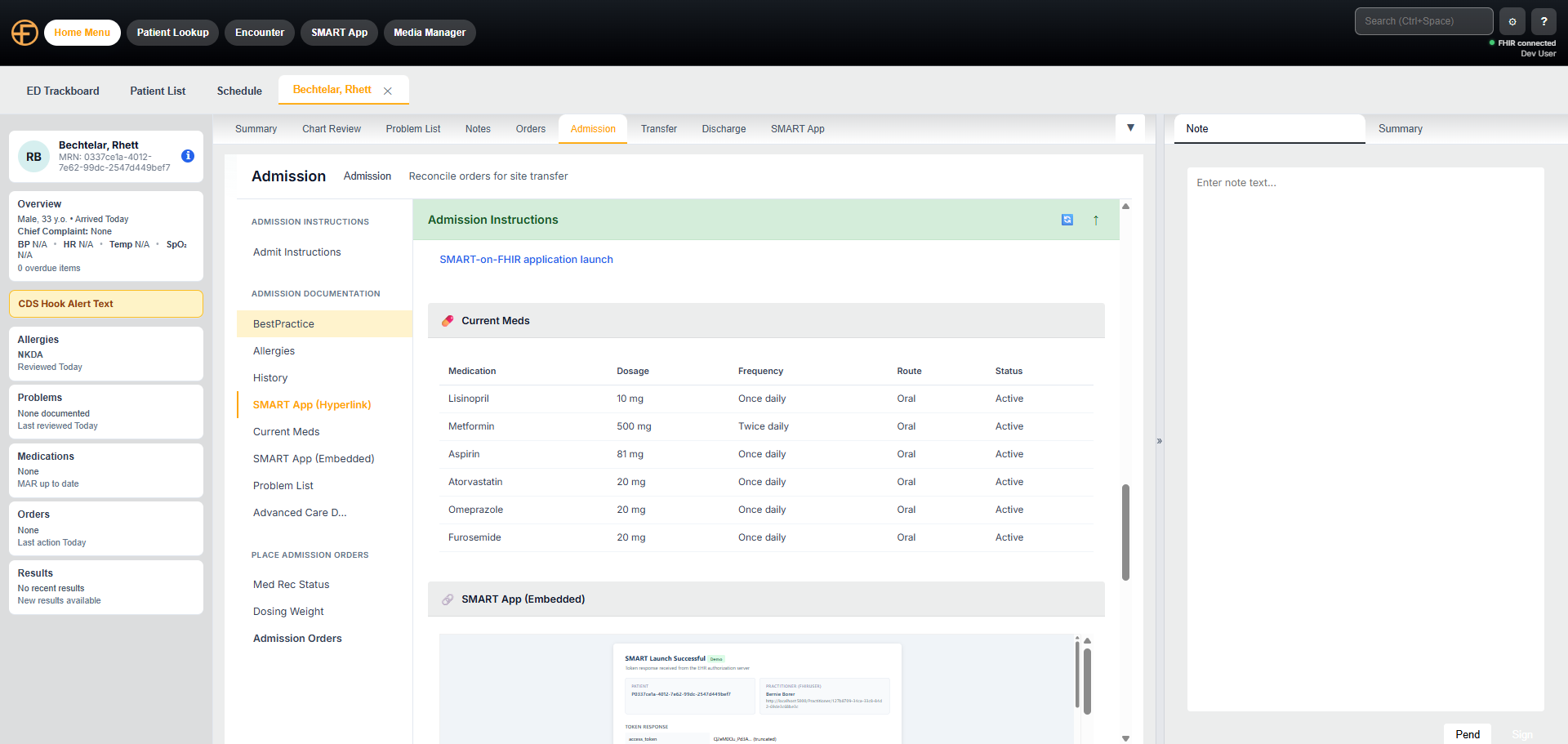
Workflow Exploration
Explore EHR workflow functionalities in a point-and-click manner so you can make more informed workflow and UI decisions before committing to an implementation approach. Flexible UI configurations allow us to rapidly support UI customizations.
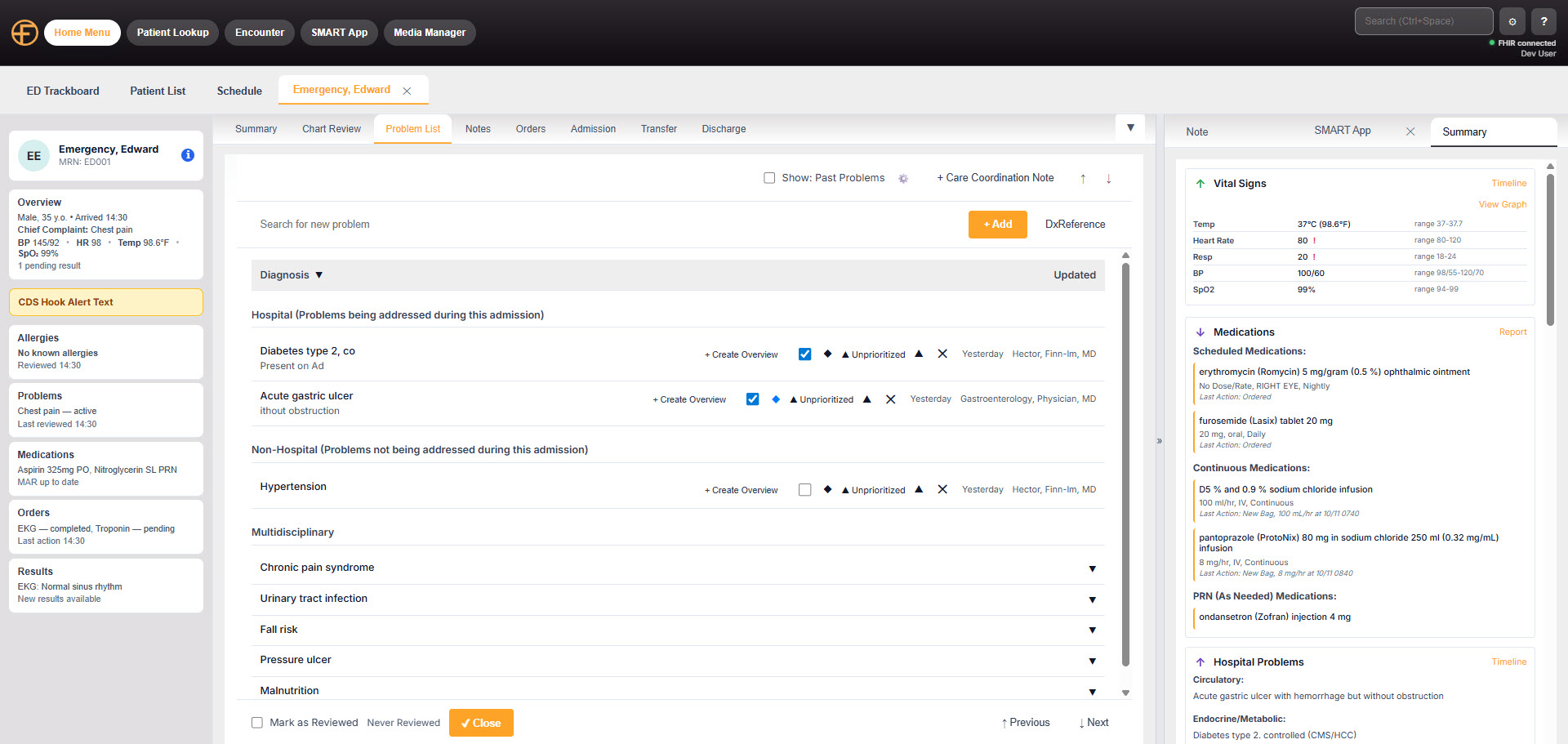
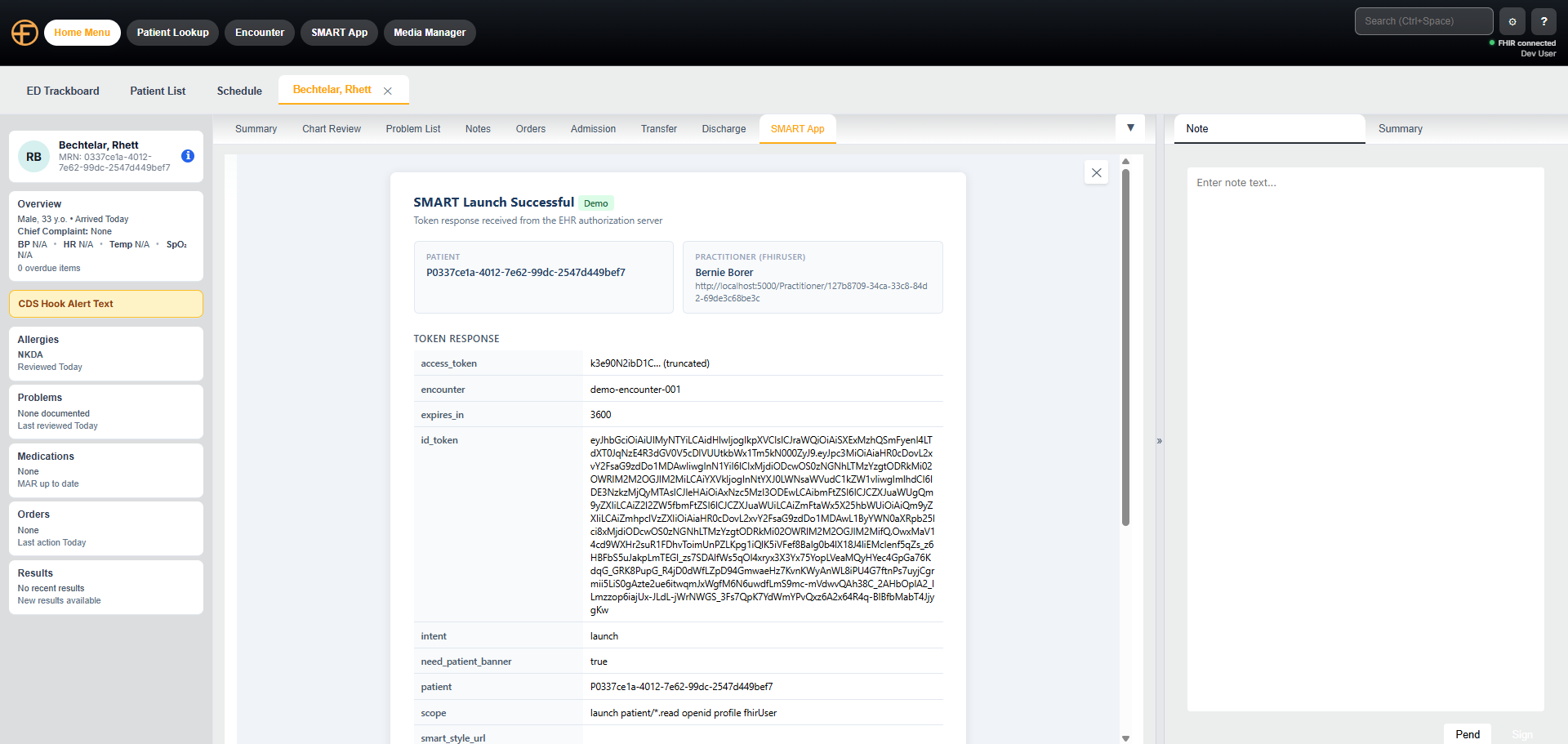
SMART on FHIR App Launches
Use the Mock UI to view and test SMART on FHIR App launches that align with typical EHR screens. Validate your app's launch context, token exchange, and in-EHR rendering before connecting to a live environment.
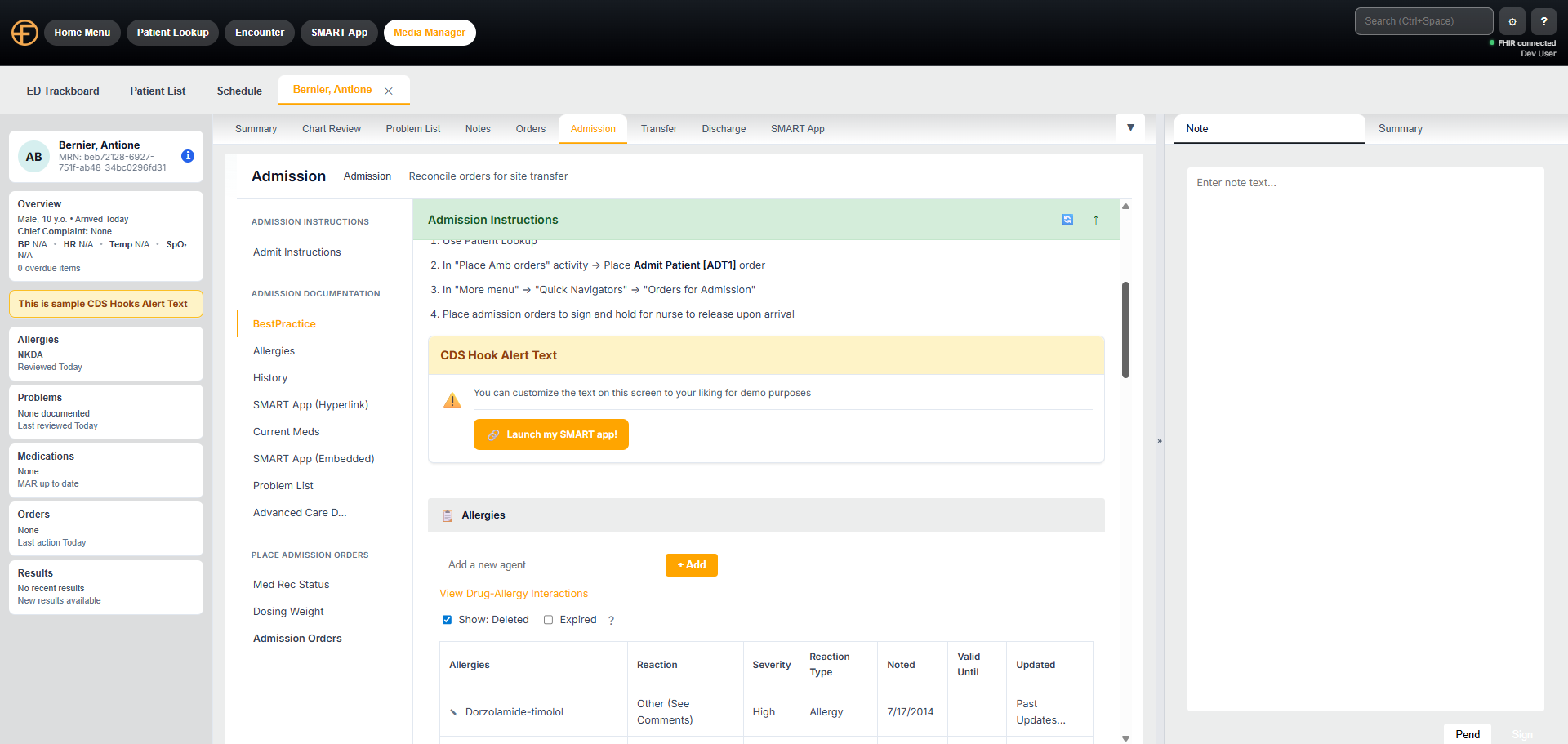
CDS Hooks APIs & Workflow Exploration
Test and explore CDS Hooks and other workflow functionalities in a point-and-click manner so you can make more informed workflow and UI decisions before committing to an implementation approach. Execute full CDS Hook data flow with a FHIR server backing the data requirements.
Full User Configuration
Users can configure where and how CDS Hooks, SMART Apps, and more appear so the demo reflects just what you need.
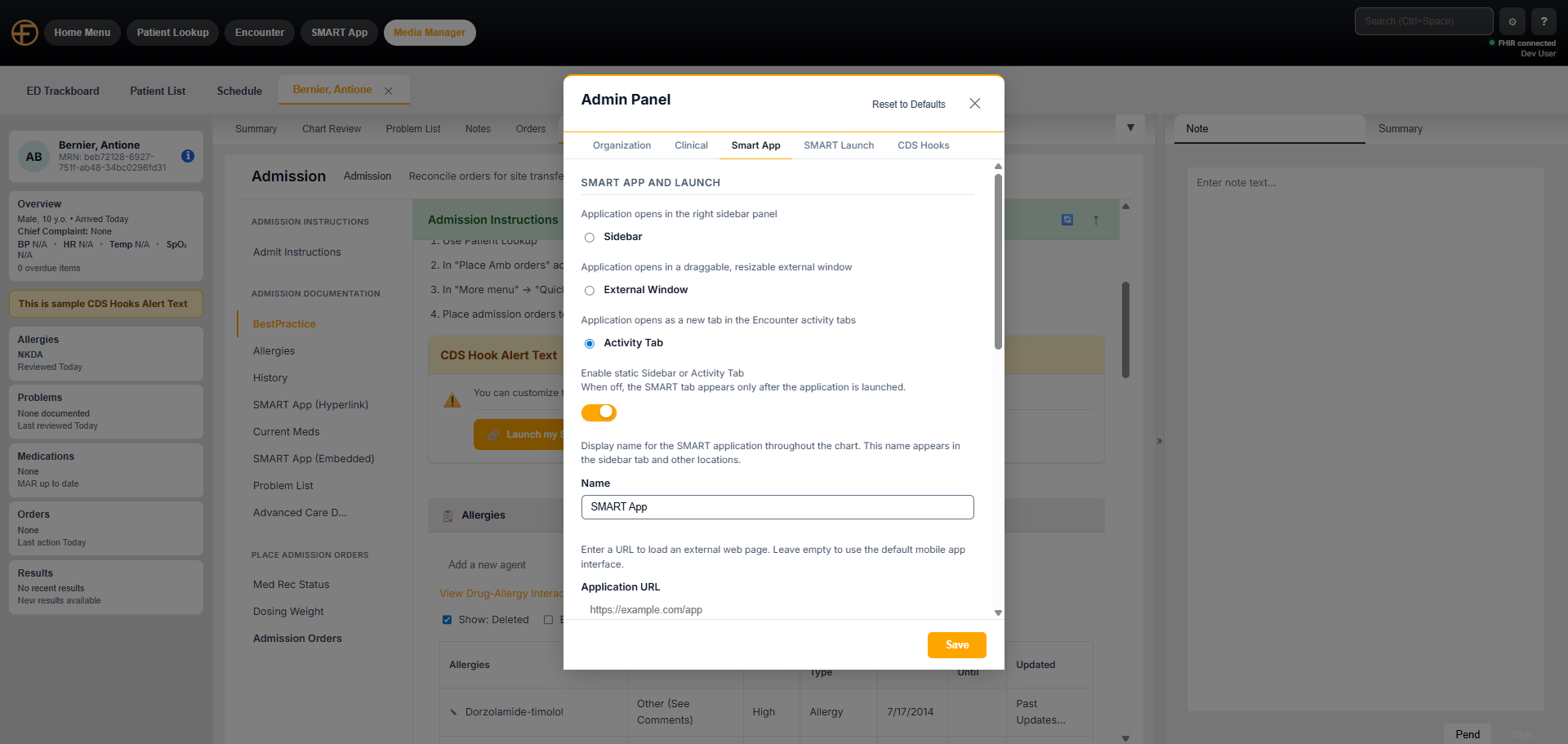
Branded Customer Demos
Run your customer demos from our UI. Add branding and your logo to make it your own. Set up your own patients and pre-populate their data to ensure your workflow demo is smooth, accurate, and simple.
Key Features
- Test SMART on FHIR app launches against realistic EHR screens
- Explore CDS Hooks and workflow functionalities point-and-click
- Run polished customer demos with your own branding and logo
- Set up custom patients and pre-populate data for targeted demos
- Configure exactly which CDS Hooks, SMART Apps, and screens appear
- Request customizations — new workflows, integrations, and EHR views
- Included as part of the standard Farseen Advisors contract